


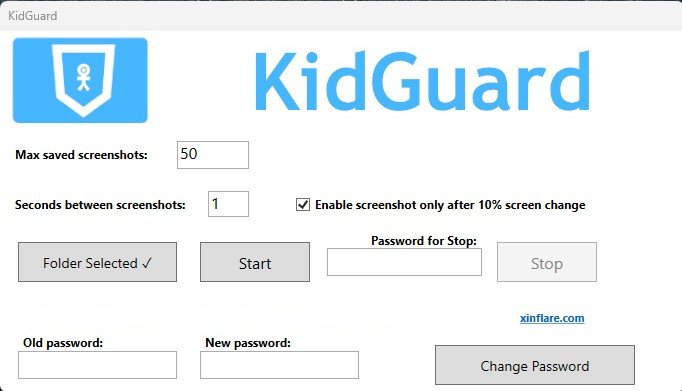
KidGuard – Keep an eye on your child’s computer
$15.00
Do you really know what’s happening on your child’s computer when you’re not around?
The internet is full of opportunities… but also risks.
👉 KidGuard gives you clarity, control, and peace of mind — without stress or constant checking.
❤️ Built for parents who care
You don’t want to spy. You want to protect.
KidGuard helps you:
✔ understand your child’s digital habits
✔ guide them without conflict
✔ step in before problems grow
👁️ See what matters
Description
KidGuard automatically captures screen activity so you can clearly understand how the computer is being used.
👉 Know:
what websites are being visited
how time is actually spent
whether something needs your attention
No guessing.
Just clarity.
🤫 Runs quietly in the background
KidGuard is designed to work without interruptions:
✔ no distractions
✔ no popups
✔ no complicated interaction
It simply does its job — so you don’t have to constantly monitor.
🔒 You stay in control
Password-protected access
Secure password storage (hashed with BCrypt)
The app cannot be easily stopped
👉 You decide when and how it runs.
⚡ Set it up in under a minute
No technical skills required:
Choose a folder
Set the capture interval
Click START
That’s it.
KidGuard works automatically from that moment on.
🧠 Smart, automatic behavior
✔ Starts with Windows (Runs on Windows 11 and 10)
✔ Saves screenshots of all computer screens.
✔ Pauses when the PC is locked
✔ Resumes when unlocked
✔ Manages stored data efficiently
✔ Combine with webcam and save captures when motion is detected
👉 Fully automated. No daily babysitting.
🎯 When KidGuard helps most
✔ You want to encourage healthy screen habits
✔ You’re worried about online safety
✔ You want insight without constant supervision
✔ You value peace of mind
💡 Simple start
🌱 Parenting in a digital world is hard
You can’t always be there.
But you can stay informed.
👉 KidGuard helps you protect, guide, and understand — without pressure.
👉 Gently explain to your child that you can see what they’re doing on the computer.
👉 When you encounter a child’s challenging behavior, address it calmly, constructively, and without unnecessary emotion.
✅ Take the first step
Give yourself clarity.
Give your child safer digital space.
👉 Download KidGuard and take back control today.
Bonus: It includes The StorageBalancer app for a parents computer, for transferring screenshots from Dropbox, for example.
Related products
-

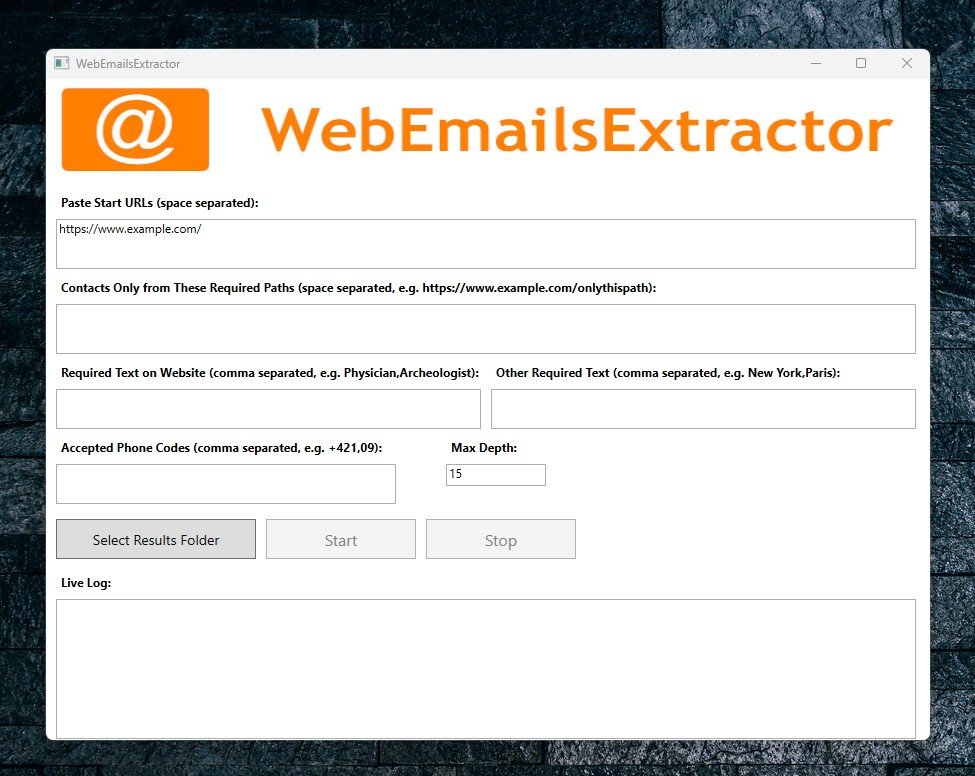

WebEmailsExtractor – Professional Contact Discovery Tool
$12.00 Add to cart $12.00
WebEmailsExtractor is a powerful desktop application designed for marketers, sales teams, recruiters, and researchers who need to build targeted contact lists quickly and ethically. Simply input your starting URLs, and let our intelligent crawler do the rest.
Quick View